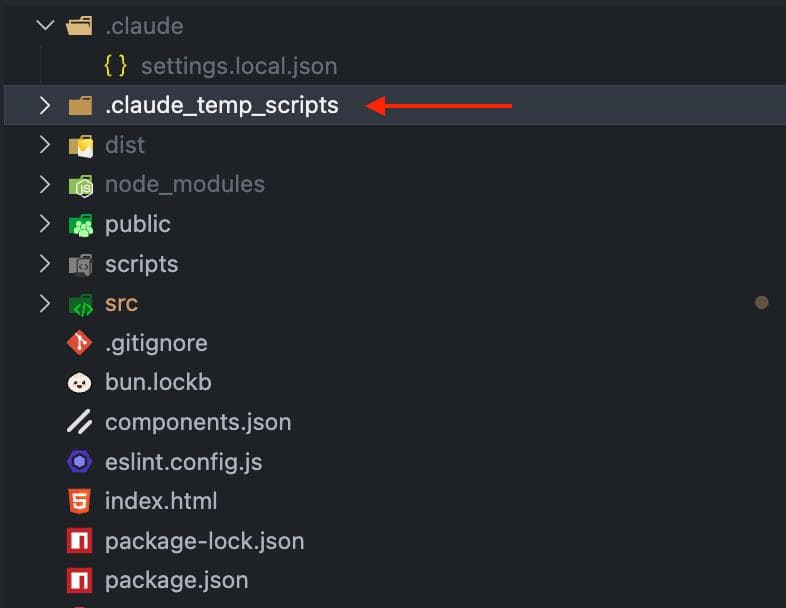
It's known that Claude Code loves to generate a script and run it when a more complex task is required. On one hand, it's a really cool solution - on the other hand, it clutters the main project.
I solved this problem for myself like this:
1. I added to ~/.claude/CLAUDE.md (a file with instructions that will apply to Claude Code for all projects regardless of whether you run it from the terminal or as a VSCode extension)
`# Claude Instructions
## Temporary Scripts
When creating temporary scripts that perform temporary tasks but are not part of the final project (e.g., data migration scripts, one-time setup scripts, testing utilities), place them in the `.claude_temp_scripts` folder to keep the project clean and organized.`
2. I added the .claude_temp_scripts folder to .gitignore so that it doesn't get into the repo