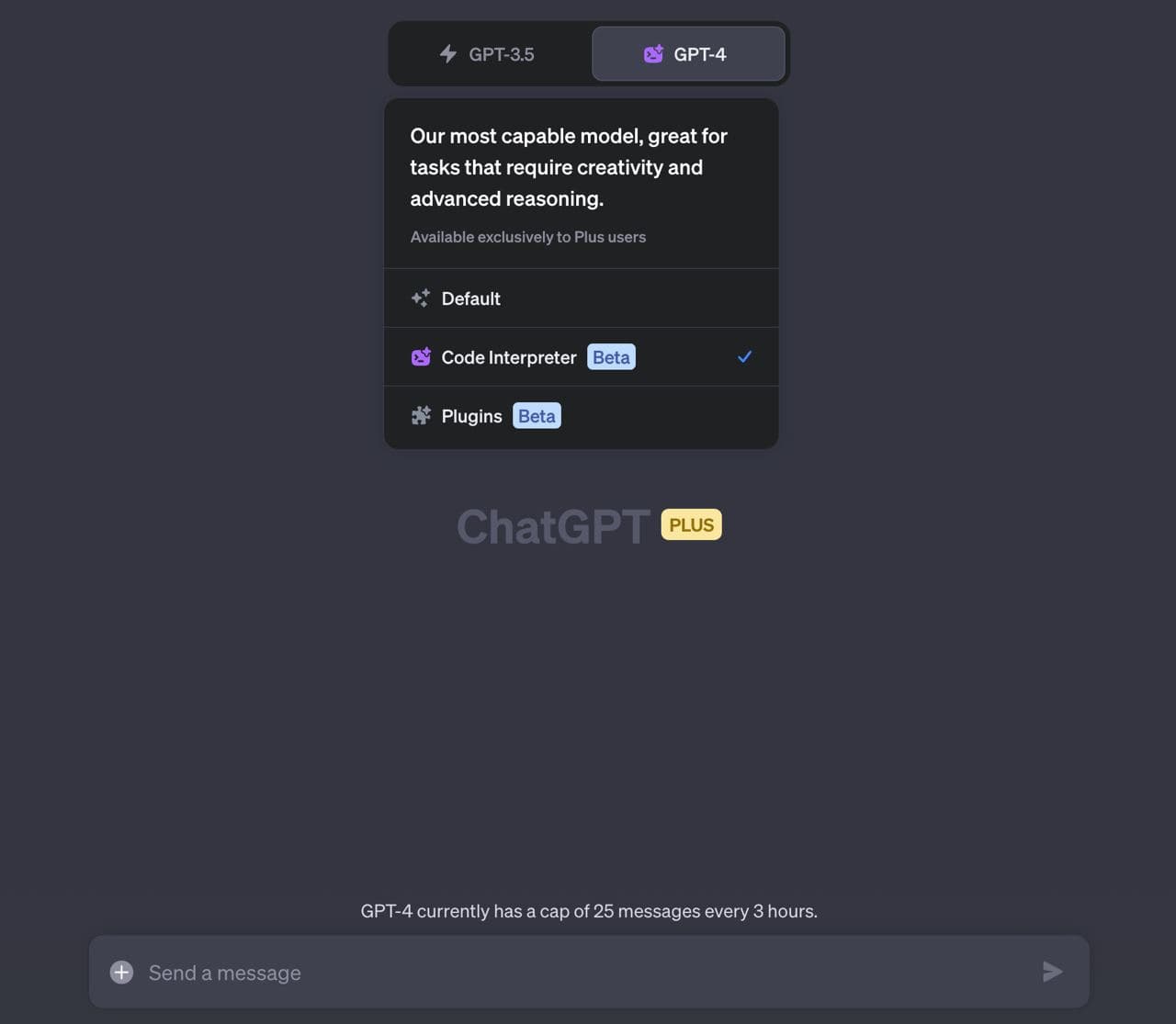
🔥 ChatGPT Code Interpreter
OpenAI quietly and unobtrusively released the ChatGPT Code Interpreter for all paid users.
Despite the impression that this is only for developers, that's not the case.
To use this feature in the paid version, you need to:
1) enable it in Settings - Beta features - Code interpreter.
2) select GPT-4 - Code Interpreter in the ChatGPT window.
Key features:
- Writing and executing code
- Working with files
Example use cases:
- upload a photo and ask to make it black and white, overlay text, resize, etc.
- visualize provided data
- analyze data from an Excel file
- convert video
- solve a mathematical problem that requires calculations using the processor
A very important step in the development of ChatGPT. It seems that the combination of Google Spreadsheet + Code Interpreter opens up huge horizons. What do you think? Are you already using it? Share your prompt examples.