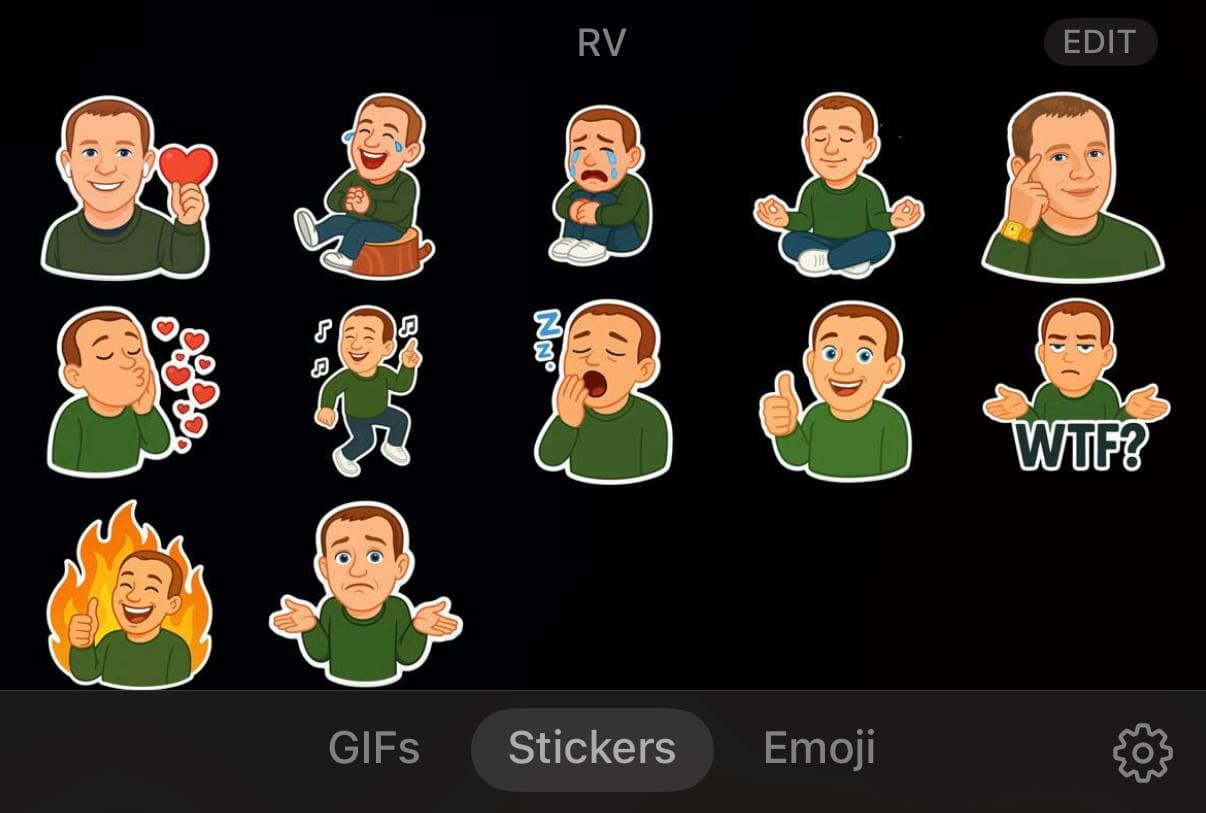
One of the main problems with image generation using ChatGPT is instability. You can get one cool picture, but reproducing a series of 10 images in the same style is much harder. The slightest changes in pose, composition, or color can shift the style.
Here are a few tips that help keep style and details under control:
1. Start with a simple source — minimal details, basic scene. This will be your reference point.
2. Always launch a new iteration from the same source. Never continue generation from an image obtained in the process — this gradually shifts the style.
3. If something goes wrong after a couple of attempts — roll back and start over. It's better to conduct experiments in short cycles.
4. For key elements of the scene, use JSON. This helps fix the background, colors, rendering style, and special effects. For example:
```
{
"shadow": "#0c0516",
"background_gradient": ["#0c0516", "#12072a"],
"rendering": {
"resolution": "high_res",
"technique": "3d",
"special_effects": [
"transparency",
"glow",
"soft_light",
"reflection",
"gaussian_blur"
]
}
}
```
5. Combine Photoshop and ChatGPT. For example, you can create a scene template, and use ChatGPT to generate only separate elements/layers with transparency and overlay them manually. This is especially convenient for repeating elements.