Today I continue experimenting with Alfred and how to simplify my work at the computer.
1. First, I realized that all these workflows are stored as text files, which means instead of moving elements back and forth within the UI, it’s easier to just ask Claude Code, “make me an automation that does this and that with the press of key X.” Sometimes it takes a couple of iterations, but it’s definitely faster than setting it up manually.
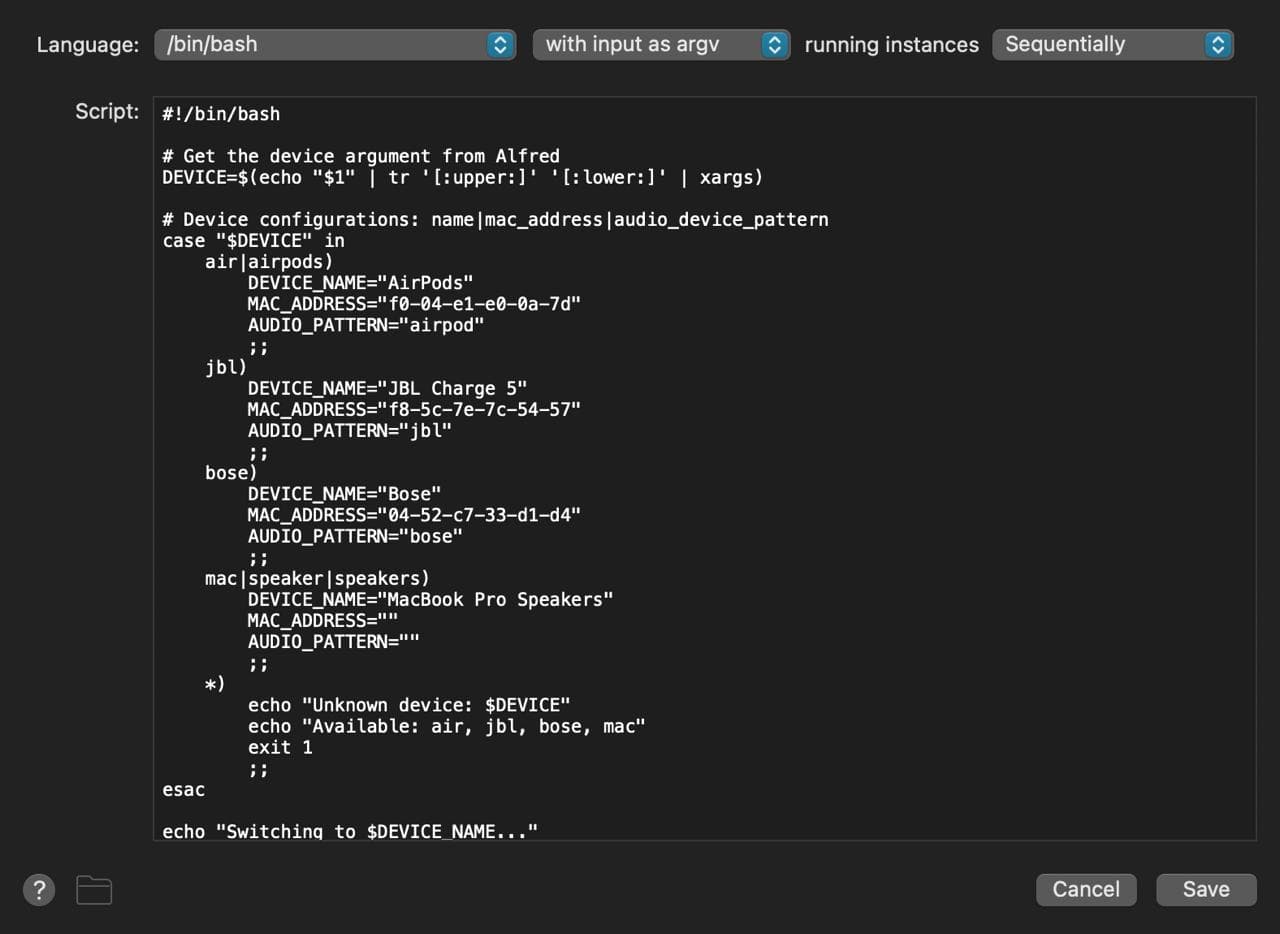
2. I created a Bluetooth-Sound Output integration chain for each device. Now it automatically checks if Bluetooth is on (if not, it turns it on), whether a specific device is connected (if not, it connects), and switches the sound output to it. God, I’m so tired of fiddling with headphones through the main menu.
3. I made an integration with the calendar via the OpenAI API. The scenario is this: I highlight text anywhere (website, Telegram, email), press hotkeys, it automatically extracts parameters from the text (title, dates, time, event location, etc.) and sends them to Google Calendar where I just need to hit “save.” It can even be done without confirmation, but for now, I want to make sure everything is extracted correctly.